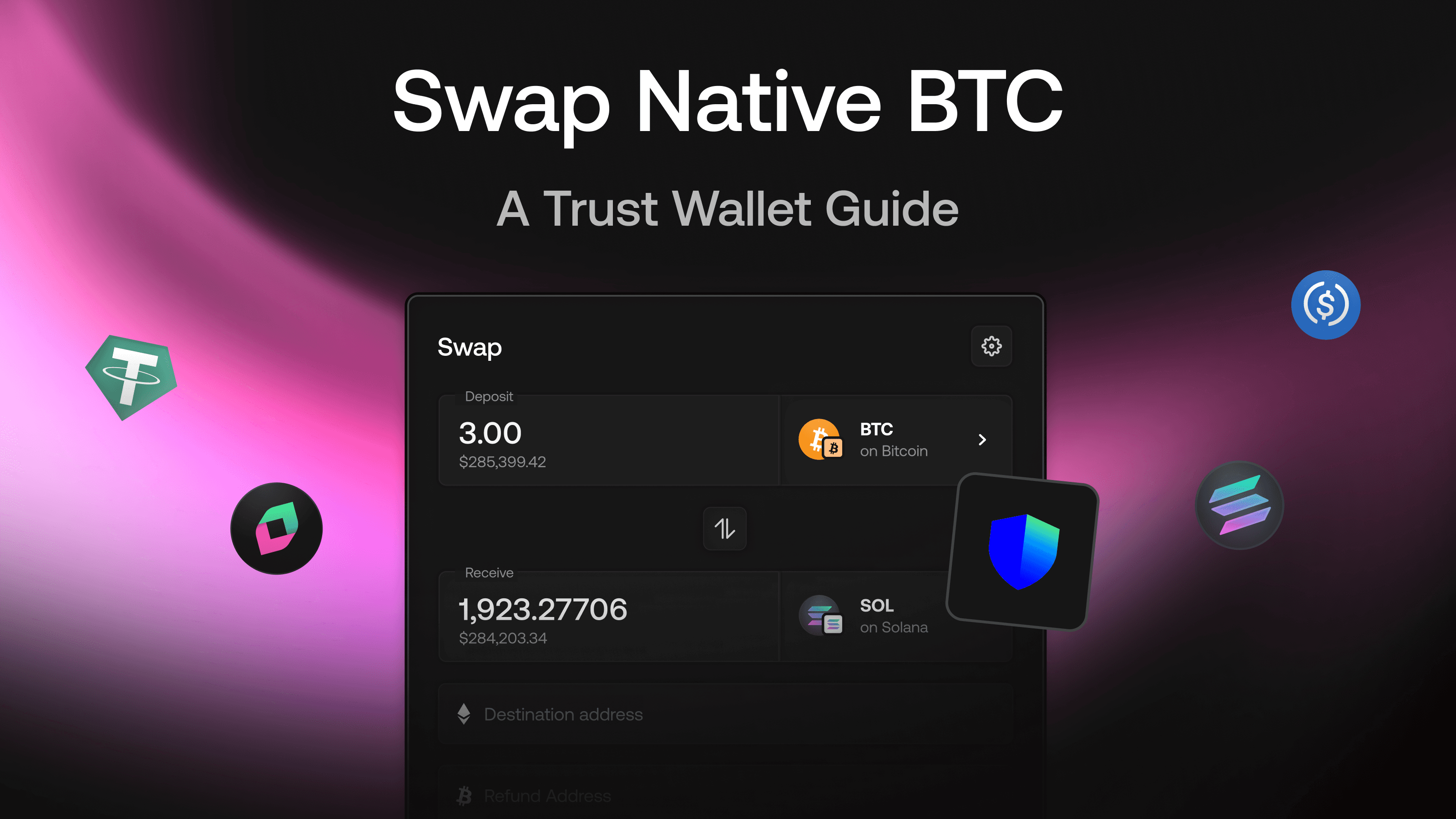
Trust Wallet has grown to over 220 million downloads globally, making it one of the most popular mobile wallets in crypto. If you're among its 17 million monthly active users, you can swap native Bitcoin directly to assets on Ethereum, Solana, Arbitrum, and Polkadot without leaving your phone or creating a CEX account. All with help from Chainflip, which has routed $402.26 million of cross-chain volume for Trust Wallet since the integration via LI.FI launched. Thats more than 80K individual swaps.
This guide walks through the exact steps to perform a native BTC swap using Chainflip's swap interface from Trust Wallet.
What You'll Need Before Starting
While this article dives into how you can use Trust wallet on Chainflip, Chainflip is also tapped into the Trust Wallet backend, so you can swap cross-chain seamlessly directly inside of Trust Wallet.
However, if you do want to swap directly on Chainflip,mMake sure you have the following ready:
Trust Wallet installed with your Bitcoin wallet set up
BTC in your Trust Wallet (minimum swap amount is typically 0.0001 BTC)
The destination wallet address for your target asset (ETH, SOL, USDC, etc.)
A stable internet connection
Unlike wallet integrations where swaps happen inside the app, Trust Wallet users access Chainflip through the web interface. This works well on mobile and keeps you in full control of your assets throughout the process.
Step 1: Open Chainflip's Swap Interface
Navigate to swap.chainflip.io in your mobile browser. Trust Wallet's built-in DApp browser works, but Safari or Chrome also function smoothly.
The interface adapts to mobile screens automatically. You'll see two dropdown menus: one for the asset you're sending (select BTC) and one for the asset you want to receive.
Step 2: Select Your Source and Destination Assets
Tap the top dropdown and select Bitcoin (BTC) as your source asset. For the destination, choose from the available options:
Ethereum: ETH, USDC, USDT, wBTC
Solana: SOL, USDC, USDT
Arbitrum: ETH, USDC, USDT
Polkadot Assethub: DOT, USDC, USDT
The interface displays the current exchange rate and estimated output amount. Chainflip charges a flat 0.10% protocol fee on all swaps, plus network fees for the destination chain.
Step 3: Enter Your Destination Address
This is where mobile users need to pay attention. Paste your destination wallet address carefully. If you're swapping to ETH on Ethereum, paste an Ethereum address. For SOL, paste a Solana address.
Trust Wallet tip: You can copy addresses from within Trust Wallet by tapping the receive button on your destination asset, then switching back to your browser. Double-check the first and last four characters match what you intended.
Step 4: Generate and Send to the Deposit Address
After entering your details, Chainflip generates a unique Bitcoin deposit address for your swap. This address is valid for 24 hours.
Open Trust Wallet, go to your Bitcoin wallet, and tap Send. Paste the Chainflip deposit address and enter the amount you want to swap. Review the transaction details and confirm.
The deposit address is secured by 150 validators using threshold signature cryptography. No single party ever controls your funds during the swap.
Step 5: Track Your Swap
Once your Bitcoin transaction confirms (typically 1-2 blocks), Chainflip processes the swap automatically. You can track progress at scan.chainflip.io using your deposit address or transaction ID.
The swap completes within minutes for most assets. Your destination tokens arrive directly in the wallet address you provided.
Mobile-Specific Tips for Trust Wallet Users
Handling the Copy-Paste Flow
Mobile swaps require more copy-pasting between apps. Use Trust Wallet's QR code feature when possible. Before starting, screenshot or save your destination address somewhere accessible to minimize switching between apps.
Network Fee Considerations
Bitcoin network fees fluctuate. Check current mempool conditions before initiating large swaps. If fees are high, you might wait or use a smaller test amount first.
Screen Timeout Settings
Extend your phone's screen timeout before starting. You don't want your screen to lock while copying a deposit address or confirming a transaction.
Why Native Swaps Matter for Trust Wallet Users
Trust Wallet holds your actual Bitcoin keys. When you swap through Chainflip, you're sending real BTC and receiving real assets on the destination chain. No wrapped tokens, no bridges, no intermediary custodians.
This approach means the assets in your Trust Wallet after the swap are exactly what they appear to be. ETH is ETH on Ethereum. SOL is SOL on Solana. You can use them immediately in any DeFi protocol or send them wherever you want.
With $1.4 billion traded through the protocol, the infrastructure has been tested at scale. Whether you're moving $100 or $100,000, the process works identically.
What About Bitcoin Lending?
If you're holding BTC long-term, you might also consider Chainflip's native BTC lending. You can borrow stablecoins against your Bitcoin at 3.13% APR without selling. This works directly with native BTC, just like the swaps described above.
For Trust Wallet users looking to access liquidity without triggering a taxable sale event, lending offers an alternative to swapping.
Conclusion
Swapping native Bitcoin from Trust Wallet through Chainflip takes about five minutes once you understand the flow. The mobile experience requires a bit more attention to copy-pasting addresses correctly, but the underlying process is straightforward: send BTC to a Chainflip deposit address, receive your destination asset in your chosen wallet.
No account creation. No KYC. No custody risk from centralized parties. Just native assets moving between chains as they should.
Resources
Swap Now - Start swapping native assets
Lend BTC - Borrow against native Bitcoin
Blog - Product updates and announcements
Chainflip Scan - Track swaps and network activity
Website - Explore Chainflip
Other Chainflip Products:
Boost - Earn fees by providing single-sided liquidity with no IL risk
Stablecoin Strategies - Deposit stablecoins and earn optimized yields
Provide Liquidity - Supply assets to Chainflip's liquidity pools
Stake FLIP - Delegate FLIP and earn staking rewards
Find us:
Frequently Asked Questions
Can I swap directly inside Trust Wallet?
Yes you can. Chainflip is tapped into the Trust Wallet infrastructure, so you can swap directly inside of Trust Wallet via LI.FI.
What's the minimum amount of BTC I can swap?
The minimum swap amount is typically 0.0001 BTC, though this can vary slightly based on network conditions. For very small amounts, Bitcoin network fees may represent a larger percentage of your swap value.
How long does a Bitcoin swap take?
Most swaps complete within 10-15 minutes. Bitcoin requires 1-2 block confirmations before processing begins, which takes roughly 10-20 minutes depending on network congestion. The swap itself executes within seconds after confirmation.
Do I need to connect my Trust Wallet to Chainflip?
No wallet connection is required. You simply send BTC to the generated deposit address and provide a destination address for receiving your swapped assets. This approach eliminates smart contract approval risks common with connected wallet swaps.
What happens if I send BTC to an expired deposit address?
Deposit addresses remain valid for 24 hours. If you send to an expired address, the funds may be delayed or require manual recovery. Always generate a fresh deposit address immediately before sending your transaction.
Related: ShapeShift and Chainflip: How to Swap Native BTC for ETH Without Wrapped Assets.
Related: Trust Wallet and Chainflip: How to Swap Native BTC on Mobile.

